
前端时间在 wsl 设置了代理
export http_proxy=127.0.0.1:7890
export https_proxy=127.0.0.1:7890
现在想取消代理,用了如下命令
export http_proxy=
export https_proxy=
也尝试过用
unset  http_proxy
unset  https_proxy
但是只能在当前窗口有效,我重开 windows terminal 发现没取消成功,怎么才能永远取消代理设置呢
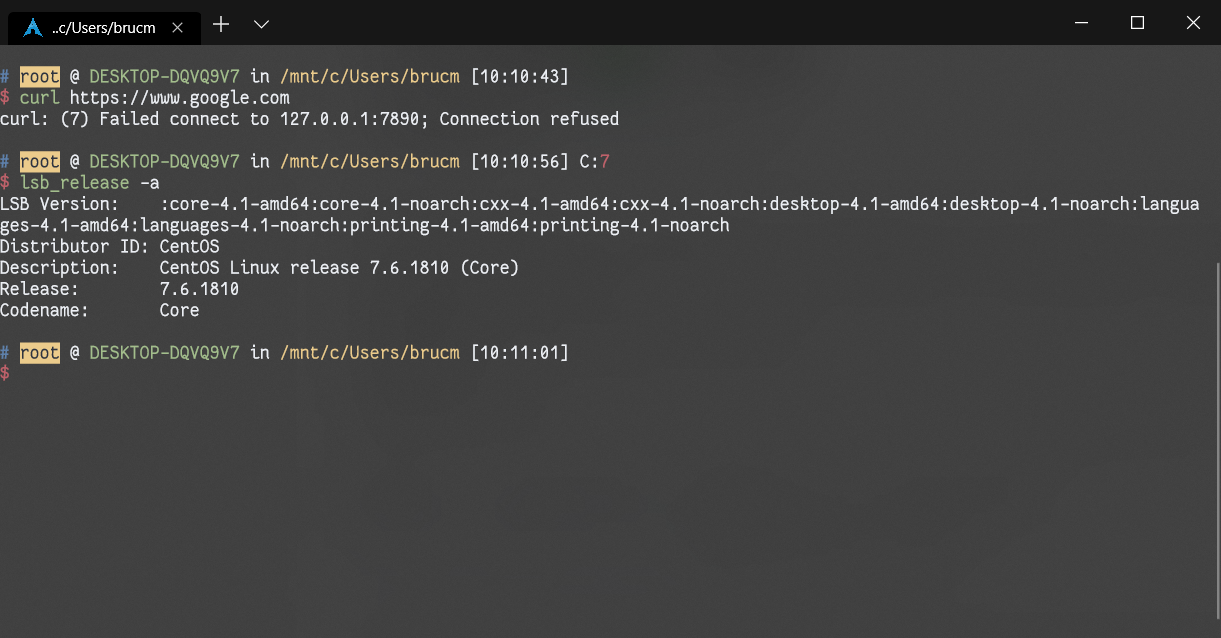
前端时间在 wsl 设置了代理
export http_proxy=127.0.0.1:7890
export https_proxy=127.0.0.1:7890
现在想取消代理,用了如下命令
export http_proxy=
export https_proxy=
也尝试过用
unset http_proxy
unset https_proxy
但是只能在当前窗口有效,我重开 windows terminal 发现没取消成功,怎么才能永远取消代理设置呢
 |
1
okampfer Aug 6, 2019
你设置代理具体是怎么设置的?
检查你的~/.profile 和~/.bashrc 等等文件,有没有 export 代理相关的环境变量。 |
 |
2
usdf Aug 6, 2019
命令行工具是什么
|
 |
3
jmc891205 Aug 6, 2019
grep http_proxy ~/.bash*
|
 |
4
brucmao OP 我 sb 了,我在 ~/.zshrc 设置了,但是我用 vim ~/.zshrc 进去几次没找到,忘了翻页了!发 vi 和 vim 默认显示的位置不一样
|
 Select Language